
Send questions straight to Telegram @DINO_CS, or log in and file them under [고객센터] → [1:1 문의]. Checking the notices, FAQ and user guide first often resolves the issue faster.
1. Open the support page
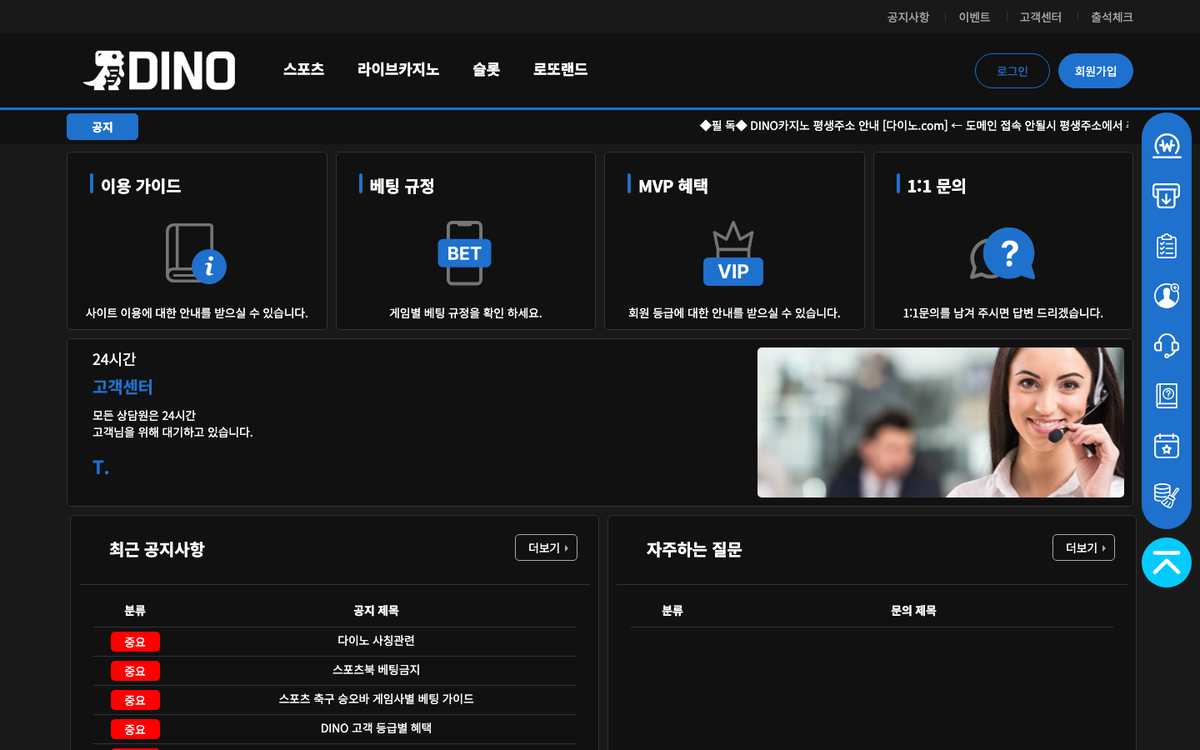 Press [고객센터] in the top menu to see the Betting rules, 1:1 enquiry and User guide cards, the recent notices list, the FAQ list, the 24-hour support box (Telegram DINO_CS) and the official partner logos on one screen.
2. Check notices and FAQ first
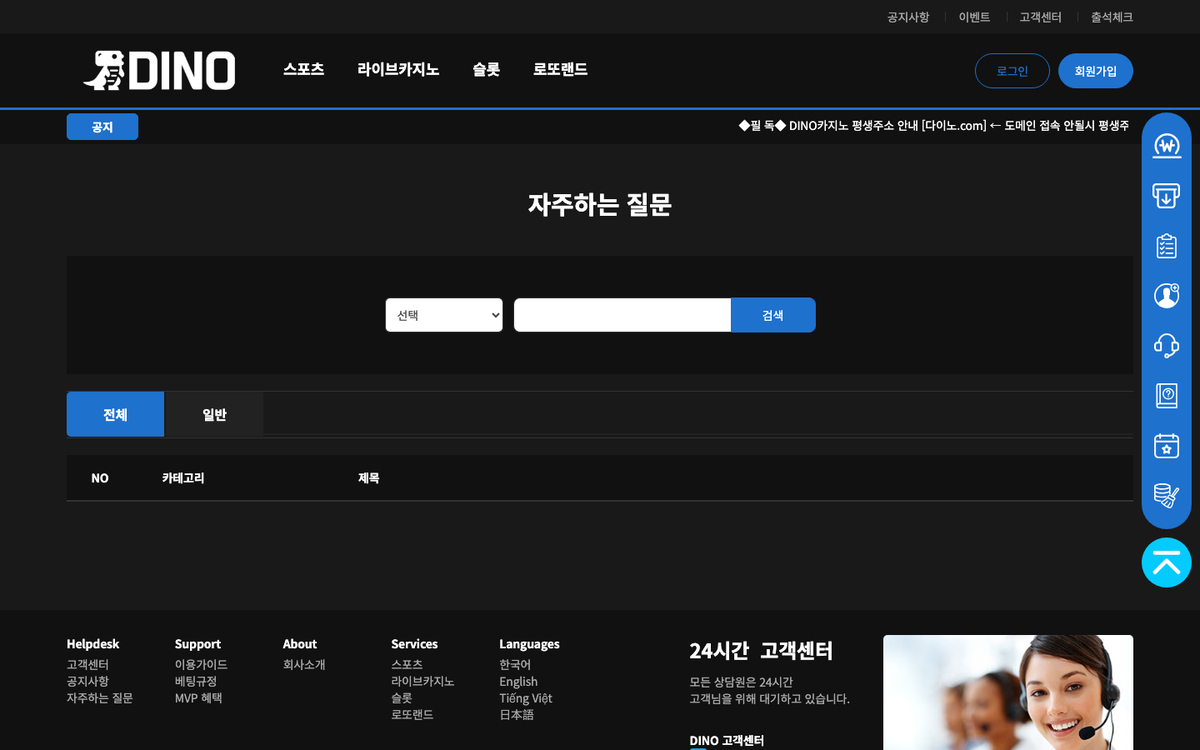 The FAQ screen has All/General filters and a search box. The [Important] notices (DINO impersonation, sportsbook betting ban, football over/win betting guide by provider, member tier benefits, sanctions for arbitrage betting and bonus abuse) and the [Casino] DINO casino rules often already contain the answer.
3. File via Telegram or 1:1 enquiry
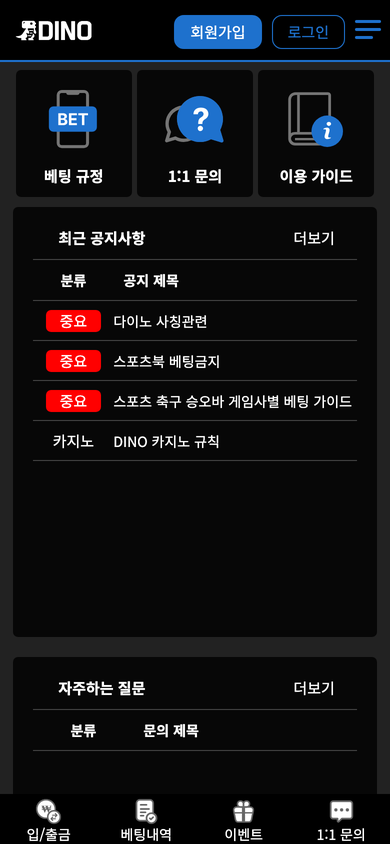 Telegram @DINO_CS works without logging in; [1:1 문의] is filed on the site after login. Include your ID, the time the problem occurred and a screenshot to speed things up. Never send your password or verification code.
4. Safety rules and operator wording found in the notices (logged in, 2026-09-19)
The impersonation notice lists five tactics (fake affiliate or higher-tier sites, free-money bait, leftover-points claims, account-registration fees, site-move pretexts) and names only the domain 다이노.com and Telegram @DINO_CS as official channels. No list of confirmed impersonation addresses is published.
The privacy notice states that DINO never asks for your password and that any messenger approach is fraud, and recommends regular password changes and no account sharing. Inside the site the operator is only ever written as DINO AGENCY (notice signatures), DINO CASINO operations team (tier notice) and DINO Company (footer copyright); no legal name, registration or licence appears. The footer says all agents are on standby 24 hours, but response time was not measured.
When the address will not open, login fails or a deposit/withdrawal is slow, run through the checks below before contacting Telegram @DINO_CS.
1. The address will not open
- Try dino-333.com and dino-222.com in turn; if one is down, the other opens the same account.
- The notice ticker on the DINO main lobby carries a 'permanent address' notice pointing to where additional domains are listed when a domain is unreachable. This guide's address information is also updated as soon as anything changes.
- Do not open other domains received from search results or messages; they may be fake sites.
2. Login or notice details will not open
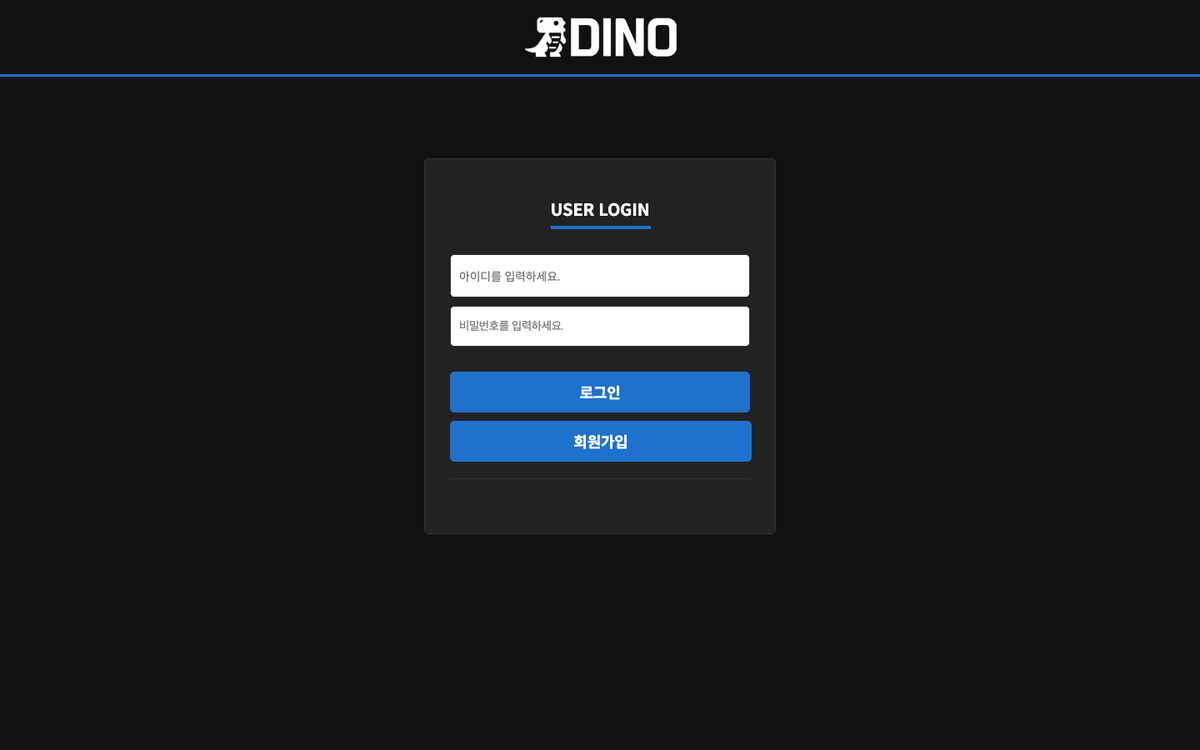 Notice details, deposit request, withdrawal request, bet history and company info open only while logged in; opening them logged out redirects you to the login screen. If login fails, check the password rule (8–16 characters with letters, digits and symbols); if that does not help, contact Telegram with your ID.
3. A deposit or withdrawal is slow
- For deposits, confirm you sent to the account or wallet shown on the [입금신청] screen and from the account holder name registered at sign-up.
- Withdrawals go only to the bank account or crypto address registered at sign-up; the real-time withdrawal status table on the main lobby shows the processing flow.
- Have the transfer time, amount and a screenshot ready and contact Telegram @DINO_CS.